Let Guests Listen with Their Own Phones and Headphones

Aura C

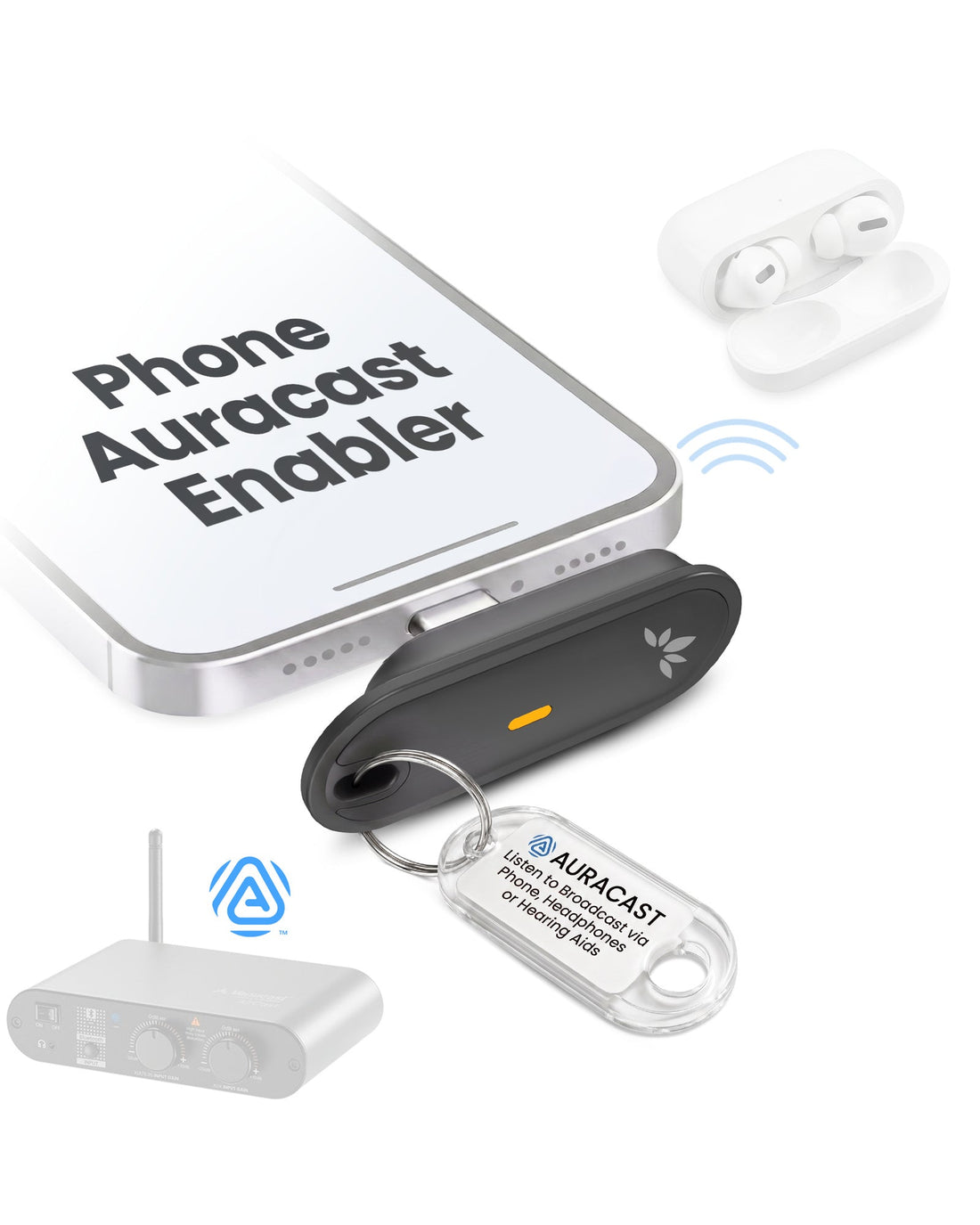
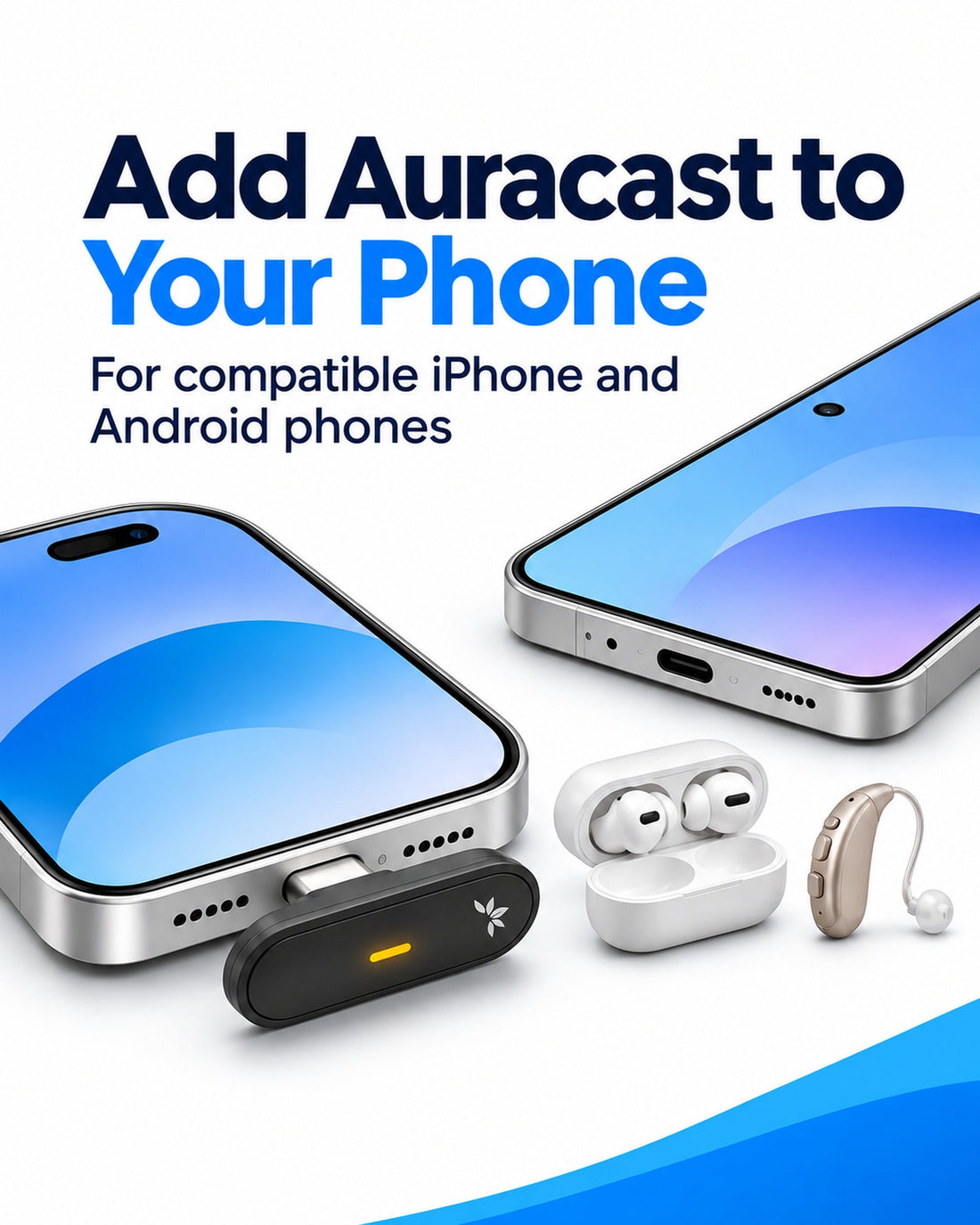
Give guests a way to join your venue’s compatible Auracast broadcast with a supported iPhone or Android phone, including compatible Google Pixel models, and their existing Bluetooth headphones, earbuds, or compatible hearing aids. Guests select the broadcast in Venucast Connect. VENUECAST CONNECT APP REQUIRED. Bluetooth listening can add noticeable delay. Best where precise audio timing is flexible.

Venucast app RequiredBluetooth adds delay Audio timing
$99.99

Checking the fastest delivery option…

Firmware Update Alerts

Get notified when new Aura C firmware is available.

Firmware updates only. No marketing emails.
Fast ShippingReliable Delivery
60-Day Free ReturnsHassle-Free
Bulk DiscountVolume Pricing Available
Free Setup SupportVenue Specialist Included
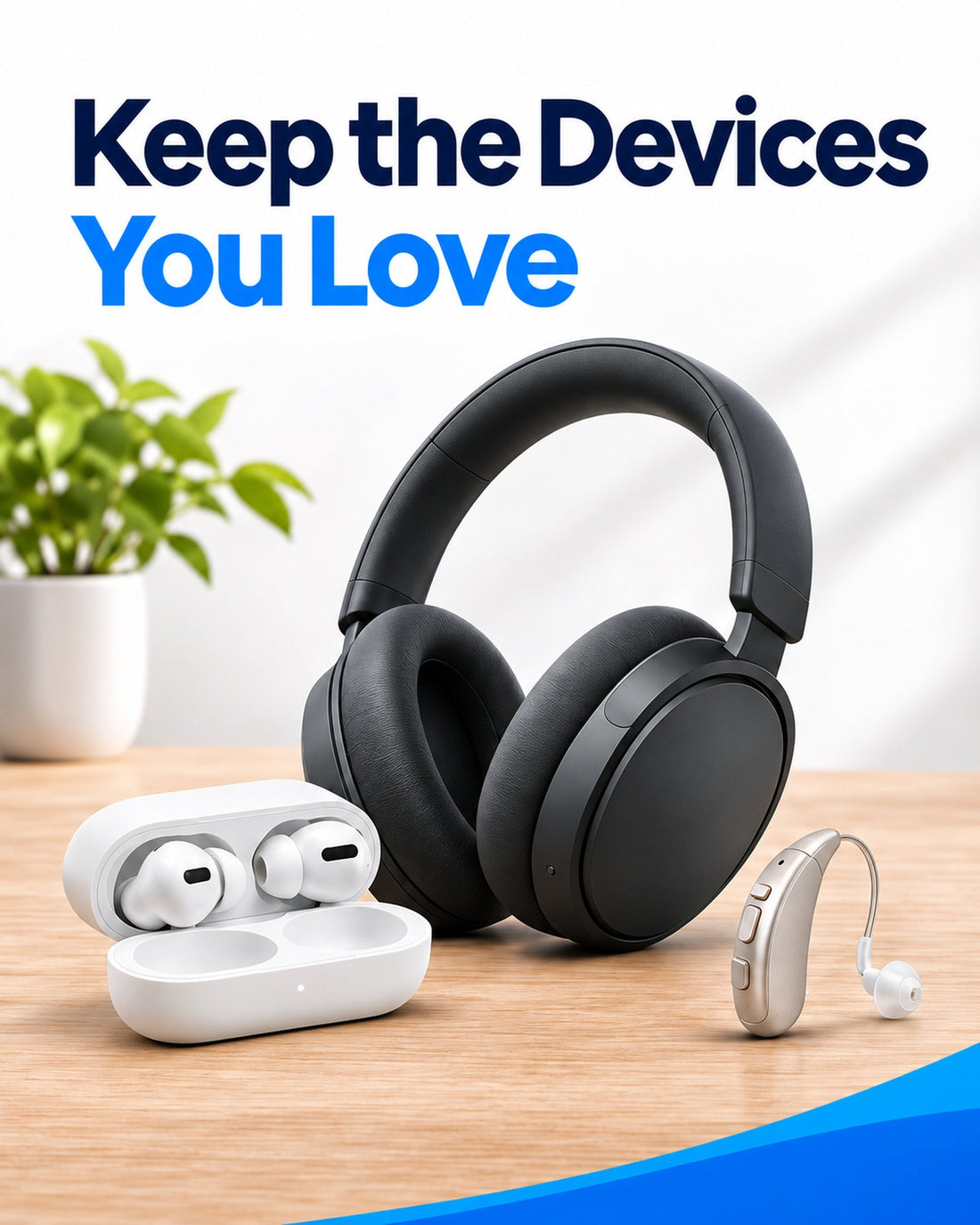
  • Use Your Existing Listening Devices – Receive Auracast on a compatible iPhone or Android phone through supported Bluetooth headphones, earbuds or hearing aids, even if the phone and listening device lack built-in Auracast.
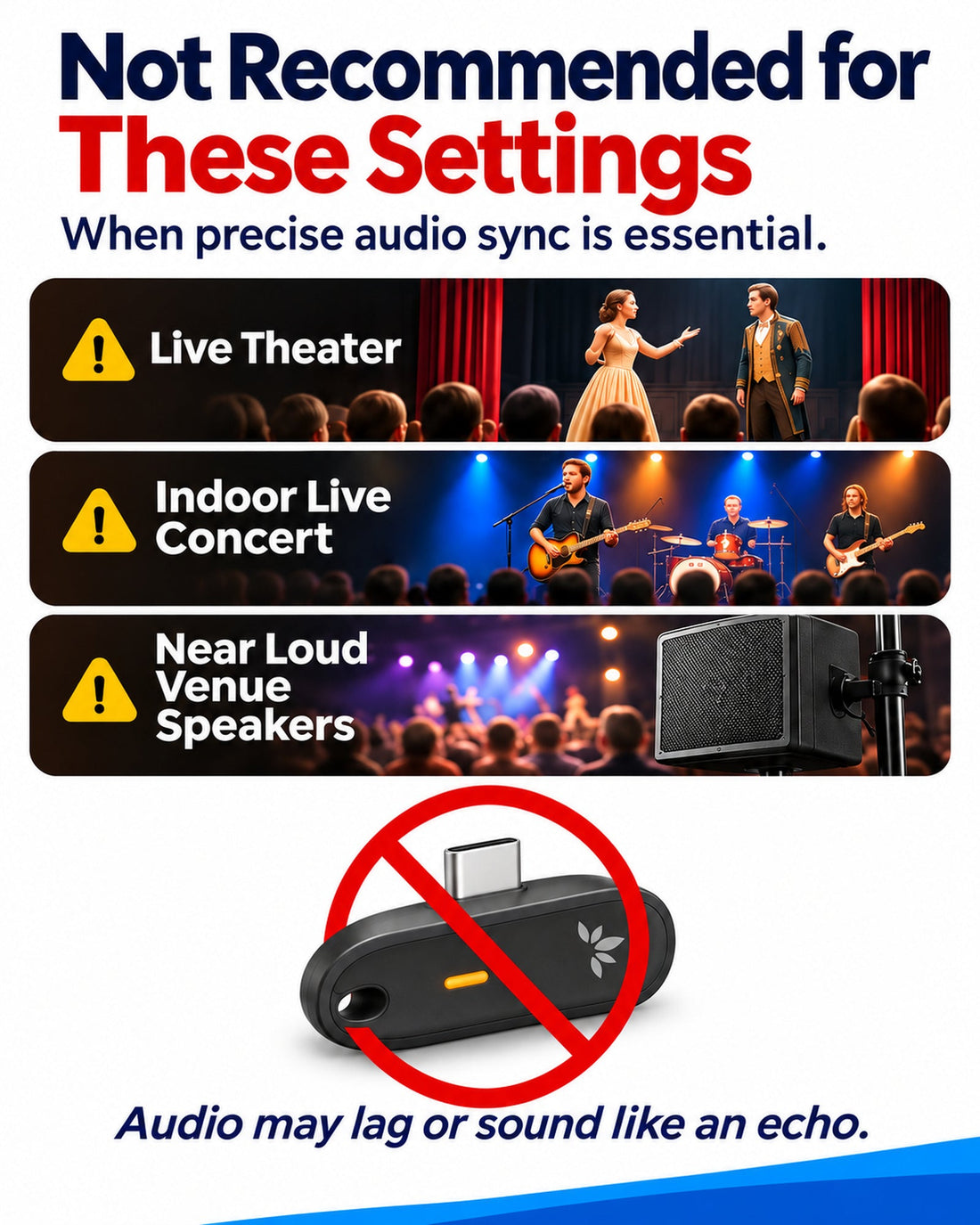
  • Check Audio Delay Before Buying – Bluetooth headphones and hearing aids add delay after phone playback. Not recommended for live theater, indoor concerts or listening alongside live sound where echo would be distracting.
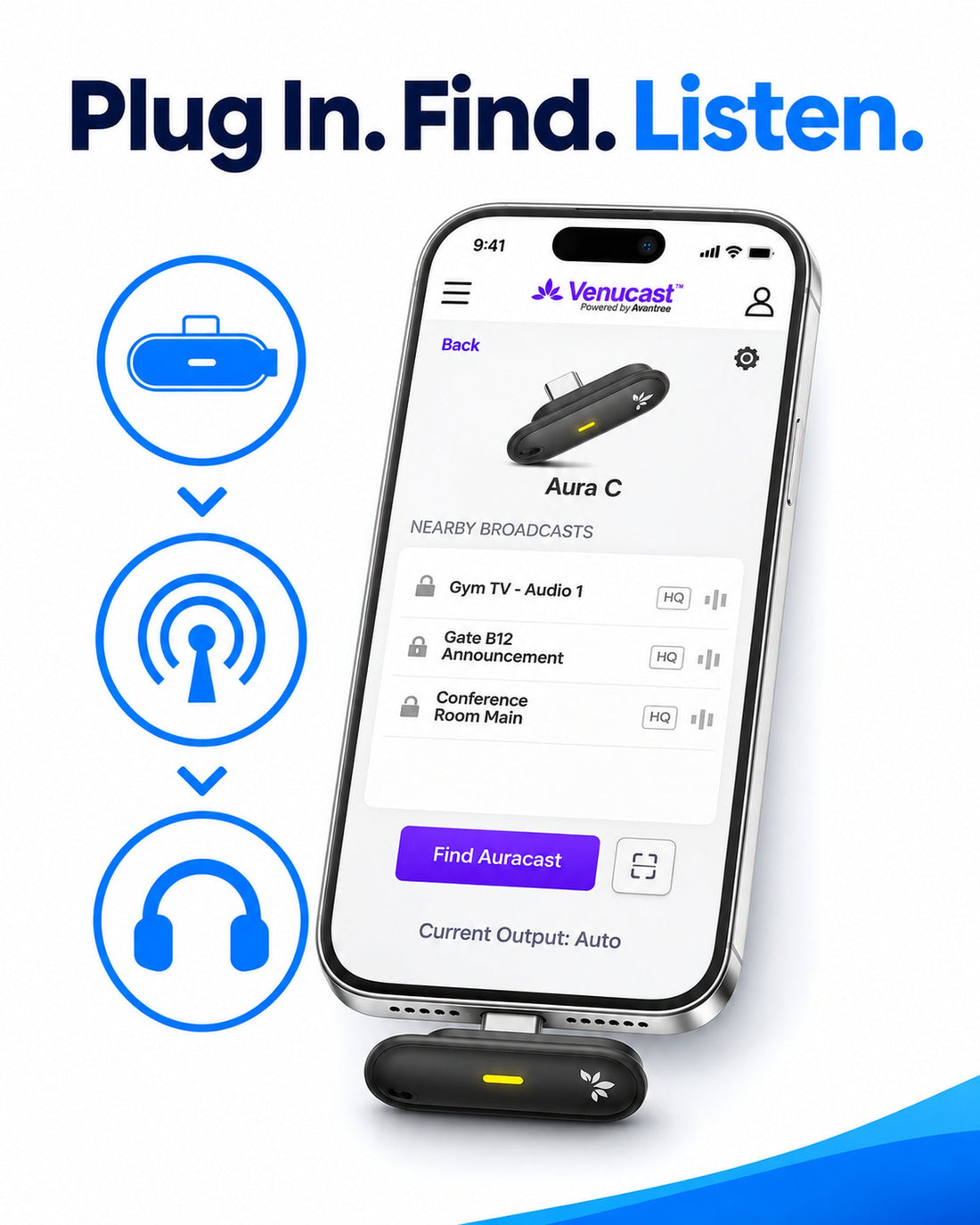
  • Venucast Connect App Required – Find and join available public or password-protected Auracast broadcasts in the app.
  • Check Phone & Hearing-Aid Compatibility – USB-C phones must support USB audio. Older Lightning iPhones require a compatible data-and-audio adapter, sold separately. Hearing aids must support audio streaming from your specific phone. Bluetooth app controls alone are not enough.
  • Compact & Phone-Powered – Connect to a compatible phone without charging a separate receiver battery.
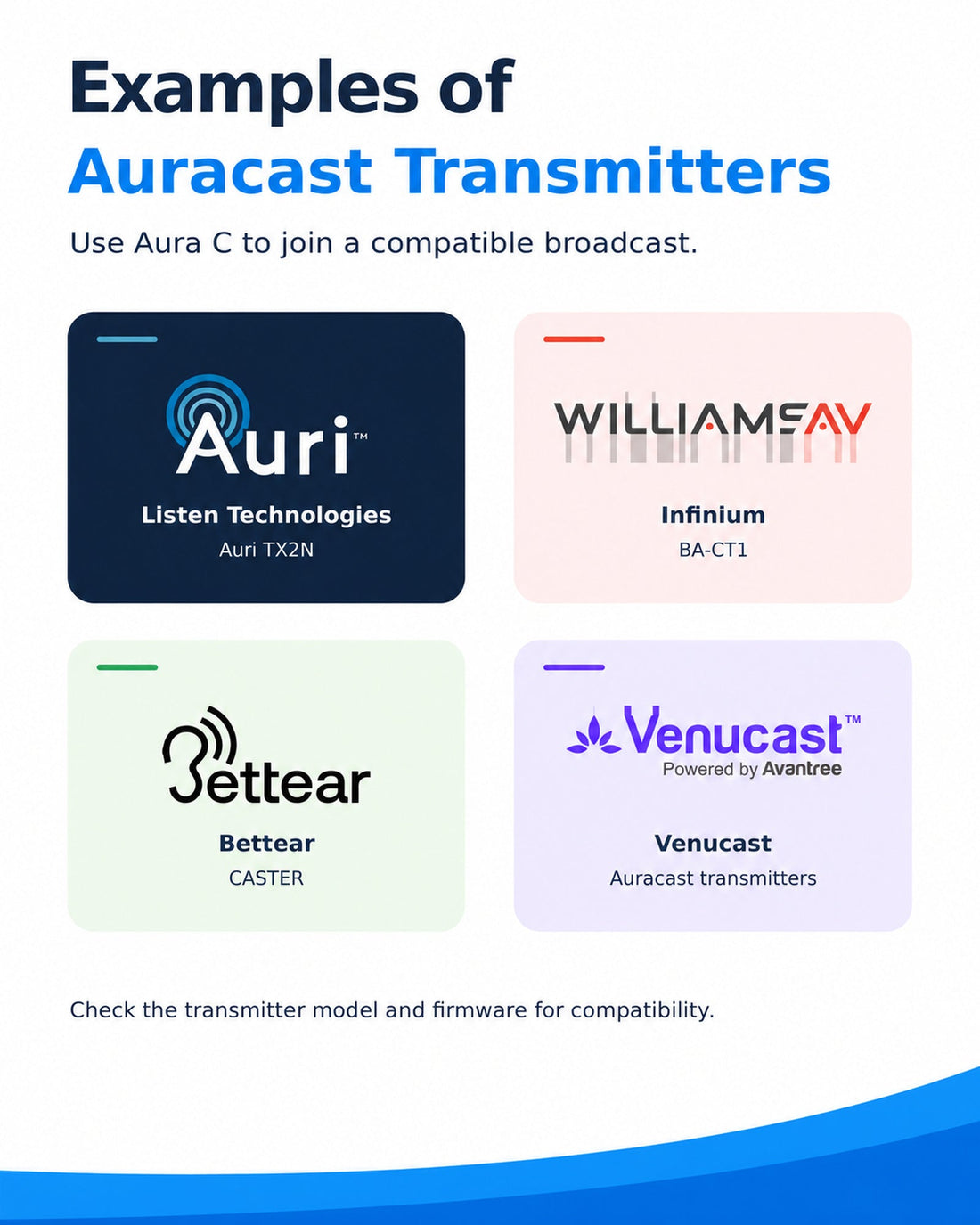
  • An Auracast Broadcast Is Required – Use a compatible Auracast transmitter or an existing broadcast at your location. Aura C receives broadcasts; it does not create them.
Aura C $99.99

You Don’t Need New Auracast Hearing Aids

VenuCast works with the hearing devices people already use.

  1. Venue Audio
  2. Auracast
  3. Choose how you listen
Modern Auracast hearing aid

Auracast hearing aids

Connect directly to the Auracast broadcast.

Direct Auracast

Traditional hearing aids with an AuraCoil receiver

T-Coil hearing aids

Use AuraCoil to hear through the hearing aid’s T-Coil.

AuraCoil

Traditional Bluetooth hearing aids Aura C receiver connected to a phone

Bluetooth hearing aids

Use Aura C as a bridge for compatible Bluetooth hearing aids.

Aura C

AuraClip Auracast receiver VenuCast wired on-ear headphones

No hearing aids

Use a receiver with headphones or earbuds.

Receiver + Headphones

Bottom line: One Auracast broadcast can serve many different listeners.

01 · Build your system

View all Add-ons & Accessories

02 · How it works

How it works with your devices

Audio sources

  • Compatible Auracast transmitter
  • Public Auracast broadcast
  • Secured Auracast broadcast
Find the right cable

Product

Aura C
Aura C

Listener pathways

  • Bluetooth headphones and earbudsUse a compatible USB-C phone as the bridge from the Auracast broadcast to personal Bluetooth audio.
  • Compatible phone-connected hearing devicesListen through supported MFi or ASHA hearing devices connected to the phone.
  • Phone speakerUse the phone speaker when private headphone listening is not required.

03 · Where it fits

Where it fits

Audio-Only Listening

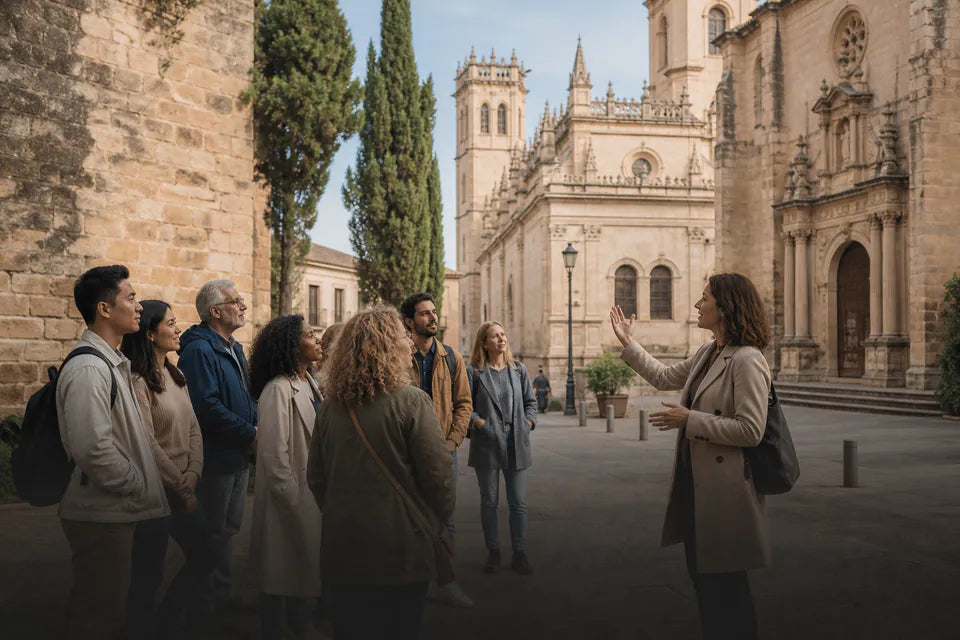
Consider Aura C when some delay is acceptable and you do not hear the same live sound directly.
Interpretation & Commentary

Interpretation & Commentary

An option when precise timing with the speaker or event is not essential. Test your complete setup first.
TV & Video: Check Delay

TV & Video: Check Delay

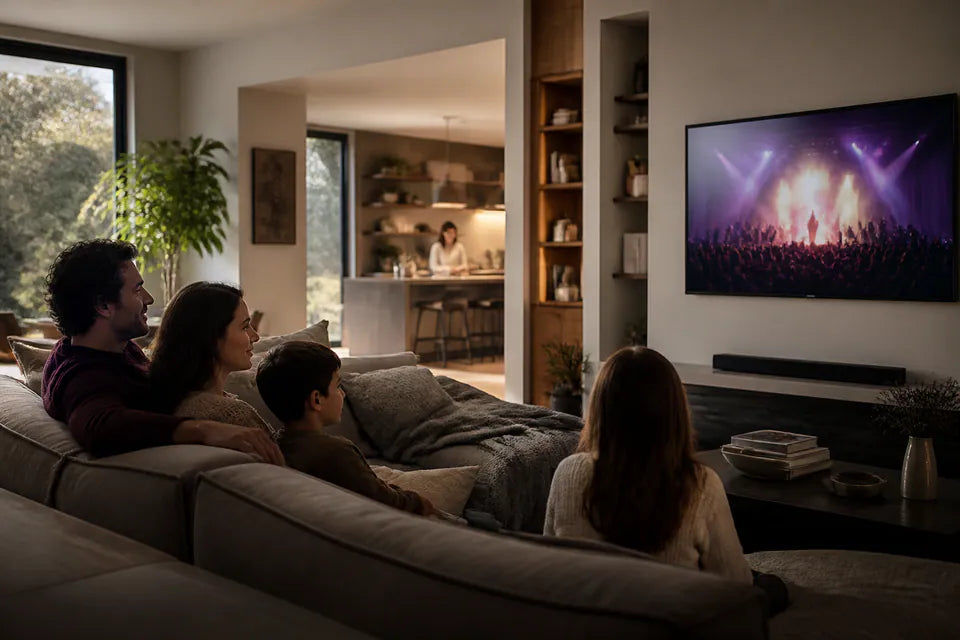
Bluetooth listening may cause visible lip-sync delay. Not recommended when synchronized sound is essential.

Live Sound: Not Recommended

Avoid theaters, live music and listening alongside the same live sound if delay or echo would be distracting.

Before You Buy

Aura C is for listening where some delay is acceptable. Not recommended for live theater, indoor concerts, or listening alongside the same live sound where echo or delay would be distracting. For lower delay, use a dedicated Auracast receiver with wired headphones or a compatible listening device that receives Auracast directly.

Approx. 80 ms to phone playback: Measured with selected iPhone, Samsung and Pixel models using the low-latency AirCast. Bluetooth headphones or hearing aids add further delay. Actual latency varies by setup; lip-sync is not guaranteed.

Lightning iPhone? Compatible audio adapter required (not included). View a tested example.

The Venucast Connect app is required. Your hearing aids must support audio streaming from your specific phone; Bluetooth app controls alone are not enough. Confirm compatibility and test the full setup before purchasing multiple units.

04 · Product details

Product details

Key specifications

Bluetooth version
Bluetooth 5.4
Broadcast audio codec
LC3
Digital input
USB audio
Operating range
Up to 100m / 328ft line of sight
Power
USB-C, 5V / 500mA-2A
SKU
VRC-C83-BLK
Product size
3.7 × 1.38 × 1.67 cm
Net weight
6 g
Package dimensions
11.7 × 6 × 2.3 cm
Packaged weight
26 g

Simple setup

  1. 1Connect Aura CPlug Aura C into a compatible USB-C iPhone or Android phone that supports USB audio. For a Lightning iPhone, use a compatible data-and-audio adapter, sold separately.
  2. 2Open Venucast ConnectThe app is required. Select an available public or password-protected Auracast broadcast.
  3. 3Choose Your Listening OutputListen through supported phone-connected headphones, hearing aids or the phone speaker. Bluetooth headphones and hearing aids add further delay.

05 · Common questions

Common questions

Will Aura C work with my Bluetooth headphones or hearing aids?

Yes, if they can already play audio from your phone via Bluetooth. Pair them with the phone first. Aura C connects to the phone, not directly to USB-C headphones.

How much audio delay should I expect?

Approximately 80 ms to phone playback in our tests with selected iPhone, Samsung and Pixel models using the low-latency AirCast transmitter. Bluetooth headphones or hearing aids add further delay. Actual latency varies by setup.

Can I use Aura C with an older Lightning iPhone?

Yes, with a compatible Lightning-to-USB-C audio adapter (not included). View a tested example. Data support alone does not guarantee compatibility.

Do I also need an Auracast transmitter?

Yes, unless the venue or location already provides an Auracast broadcast. Aura C only receives broadcasts; it does not create them.

Can one Aura C serve multiple listeners?

One Aura C supports one phone and its selected audio output. For multiple listeners, each person needs their own Aura C setup or another compatible Auracast receiver.

How does Aura C choose the audio output?

Connected Bluetooth headphones or hearing aids are used automatically. If none are connected, sound plays through the phone speaker.

On Android, you can also select the output manually in Aura C settings. On iPhone, output selection is automatic.

Designed for straightforward installation

Venue Audio Made Simple

No rewiring. No complicated setup. Connect Venucast to the audio system you already have.

Mixer / Soundboard / PA System
Auracast Transmitter
Auracast Hearing Aids / T-Coil Hearing Aids